 Product Slider BlockFree downloadMenu


Pile effect for WooCommerce product sliders
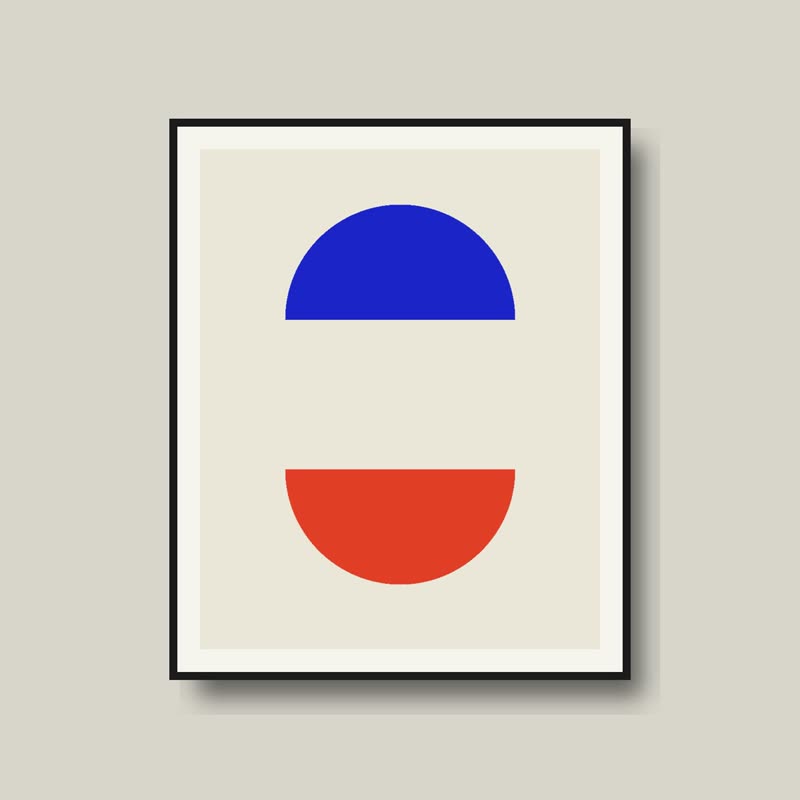
Two half moons
€58
Drag it, or click a slide at the side.
The products lie as a pile of cards. The one on top leaves to the side as you drag, showing the next. Each card sits a little offset and a little rotated, like photographs dropped on a table.
It has a pleasant untidiness. It also shows there is more beneath, without giving any of the page to it. It works best with six to twelve products.
Comes with Pro. Pro starts at $19 a year.
Put it on
- Prints and postcards
- They really do come in a pile.
- Stationery, swatches, sample packs
- Flipping through a stack is how you would browse them in a shop.
- A small space
- It uses one slide's footprint and still tells people there are several.
Keep it off
- Long lists
- Nobody flips through thirty cards. Keep it to about eight.
- Rooms and landscapes
- A sofa as a card on a pile undermines its weight.
Settings
The names here are gpu slider's, which draws it. The defaults on the sliders are its defaults.
Two half moons €58
In the block, in three steps
- Add the Product Slider block to your page, and under Products choose hand-picked products.
- Pick Pile under Effect. The block centres the row for it. It comes with Pro.
- Drag the top card slowly. The next one should already be readable before the first has left.
Close relatives
In a sample shop
Blocks that can use it
Where it goes in a shop: on a hover image swap, in a related products row or in a slider on autoplay. Questions about browsers and motion are in the FAQ.
Pile is part of Pro, and the free plugin has fade, distance, ripple, zoom, stretch and parallax to start with. Pro starts at $19 a year.
Get the free plugin