 Product Slider BlockFree downloadMenu
A product carousel as a real block, with no shortcode
Add it in the editor like a paragraph or an image. All the settings are in the sidebar, and you see the real products as you work. There is no separate slider builder to visit. Free
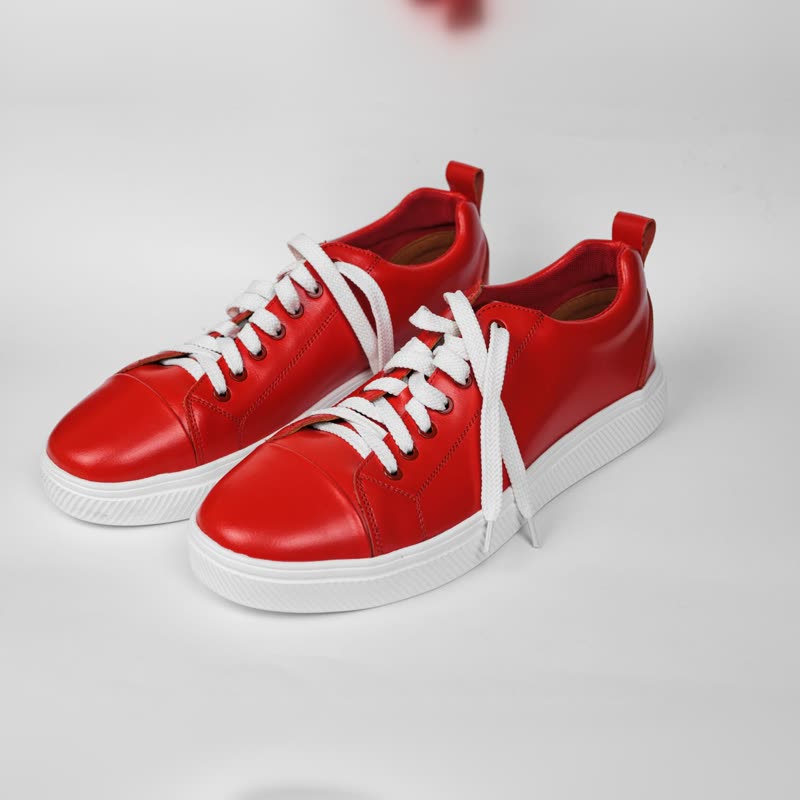
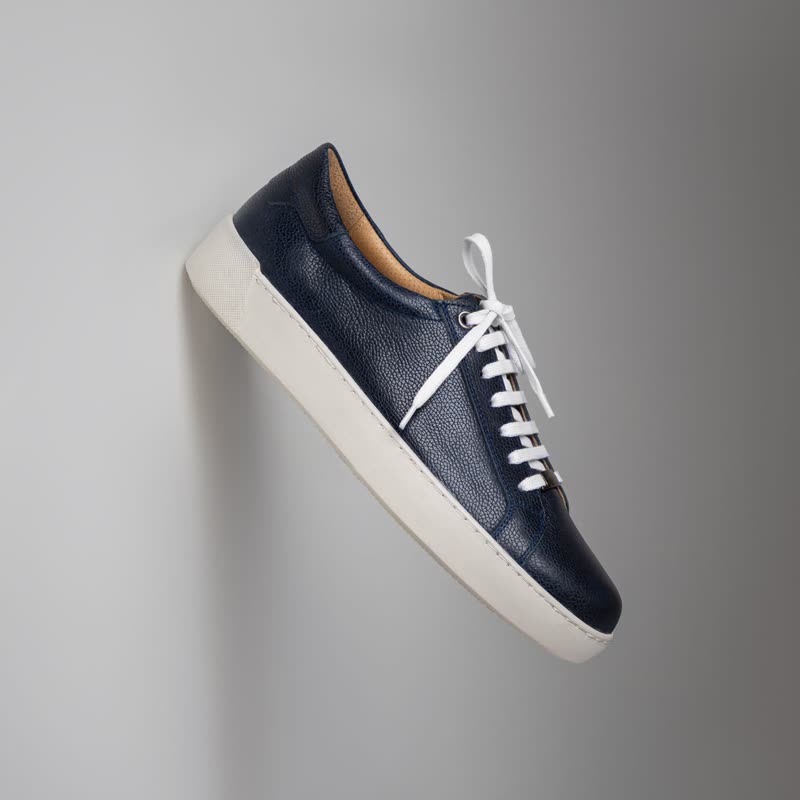

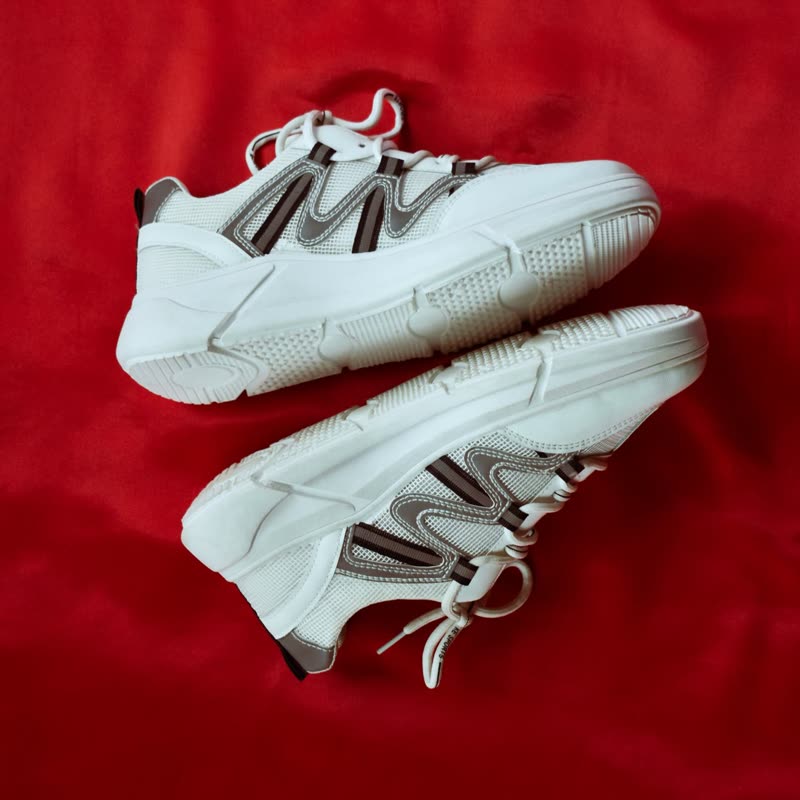

Why a block
Shortcode plugins usually ask you to build a slider on a settings screen and then paste a code into your page. It works, but you can't see the outcome while you edit, and changing a thing means another round trip. With a block, the row is in the page as you edit it. It takes on your theme's fonts, colours and button style, and it can be placed in patterns and templates.
What the visitor gets
The products are in the page's HTML and rendered on the server. So logged-out visitors and search engines see them, and without JavaScript the row still scrolls, with the buttons as plain links. With JavaScript it can be dragged, swiped, moved with arrows or keys, and adding to the cart happens without a page load, also on cached pages.
What it does not do
It has no shortcode at all, and no Elementor widget, so if you build pages with a page builder that does not take blocks, it's the wrong plugin. Those are real limits, and some of the plugins on our alternatives page do offer them. It needs a site using the block editor, and WooCommerce.
Do you need a plugin at all?
Maybe not. Since version 10.2, WooCommerce's own Product Collection block has a carousel layout, which is plenty if you want a plain row. The guide walks through it. Use this block when you want more than the core offers: per-device counts, autoplay with a pause button, transitions, or other ways to display the price.
Moving from a shortcode
There is no converter. Add the block next to the old shortcode, set the same source, compare, and then remove the old one. The old plugin keeps working in the meantime, so you can move one page at a time.
Questions
Does it work in classic themes?
The blocks need the block editor, and they work in posts and pages with classic themes too. Editing shop templates needs a block theme.
Does it depend on a slider library like Swiper?
No, it uses gpu slider, written by the same author, and it works as a CSS-scrolled row without it.
Sample products throughout. Pro starts at $19 a year.
Get the free plugin