 Product Slider BlockFree downloadMenu
Edges effect for WooCommerce product sliders
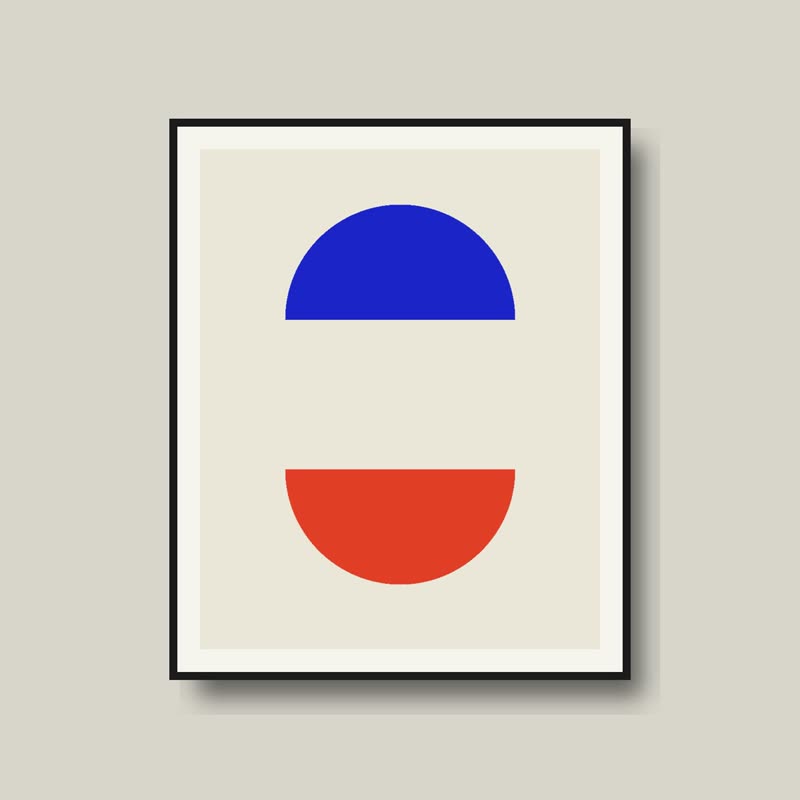
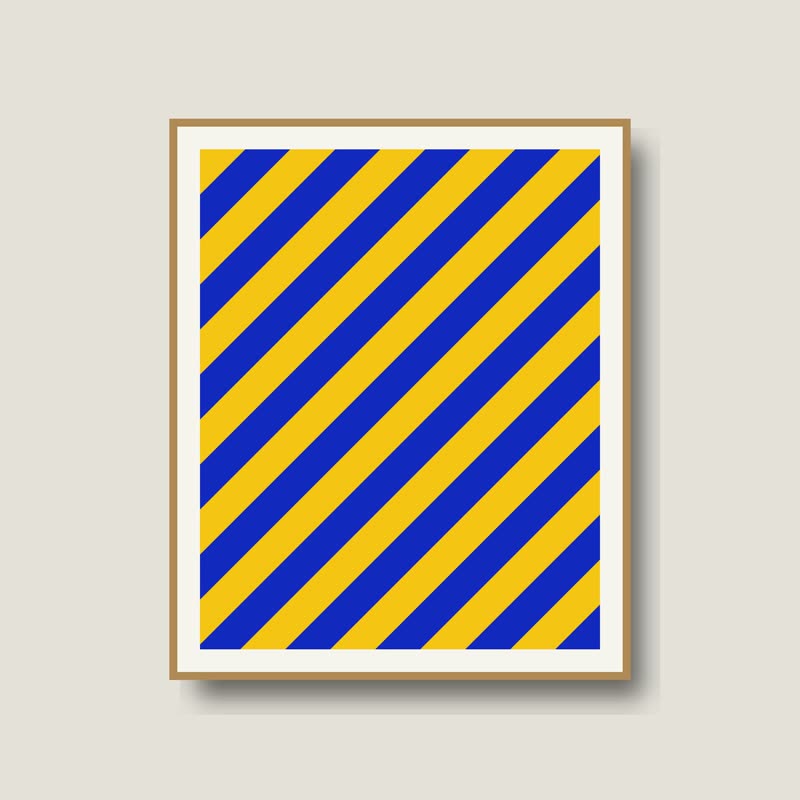
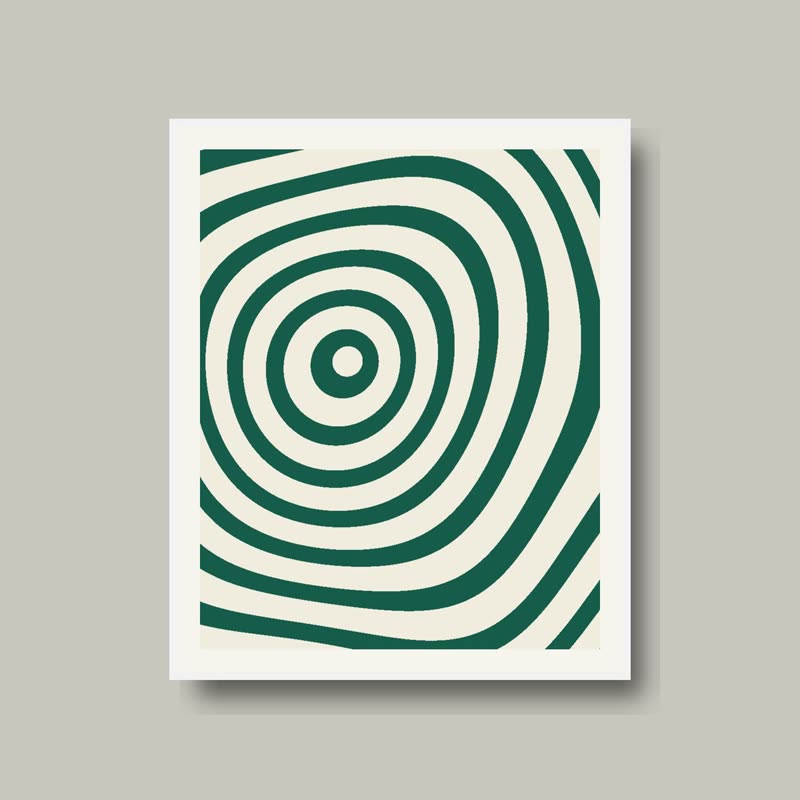
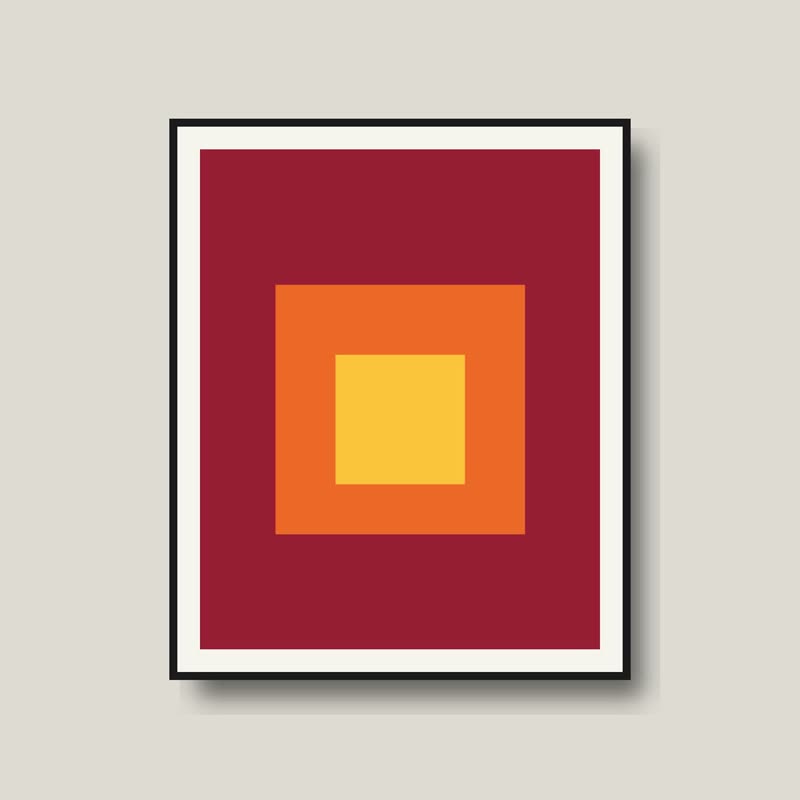
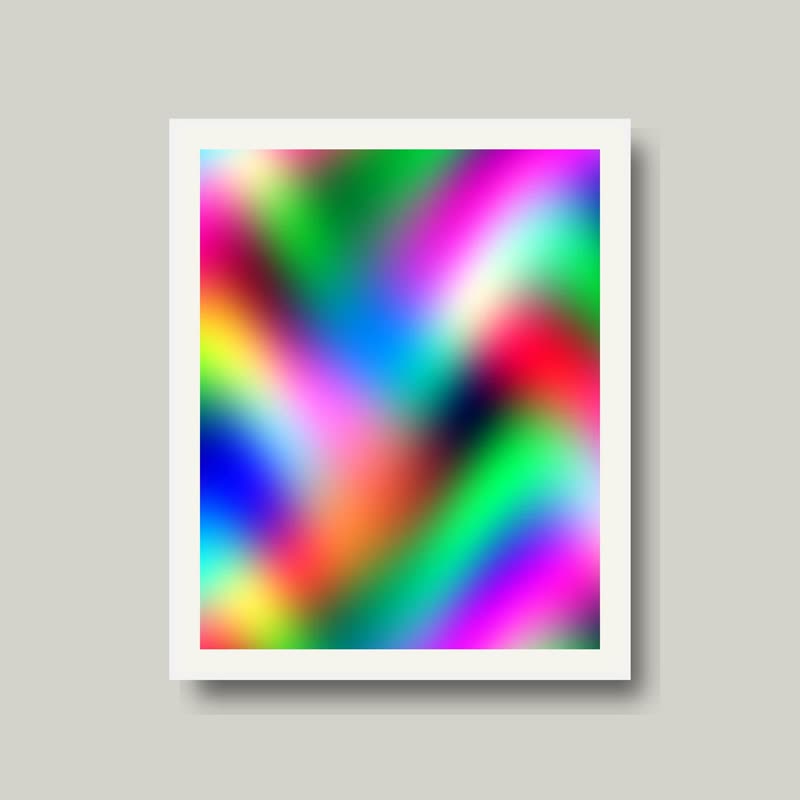
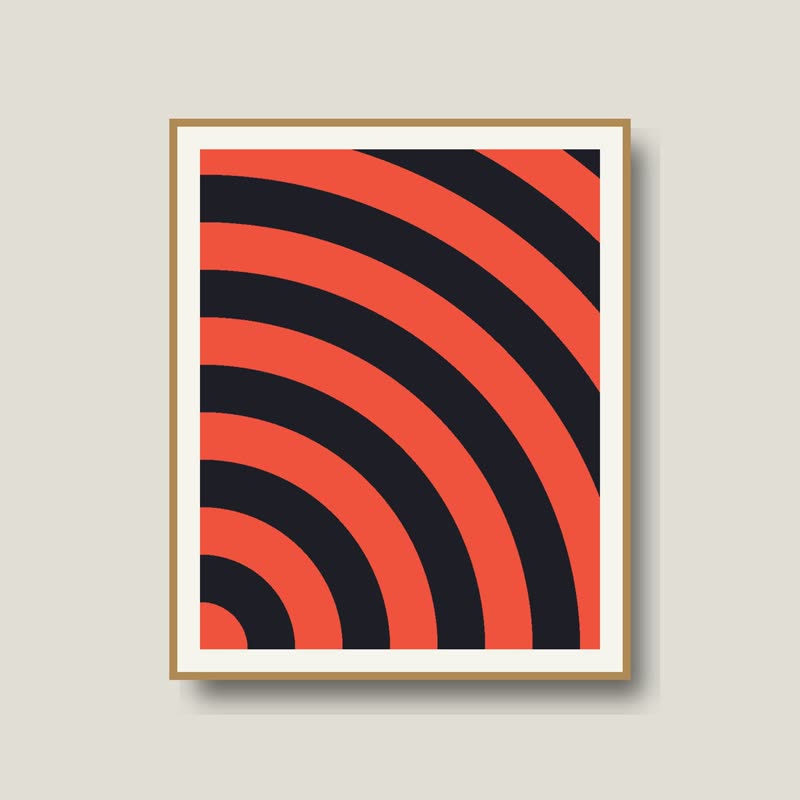


Drag the row and watch both ends.
A transition at the two ends of a row. A slide moving out of view leaves as the transition takes it away, and a slide coming in arrives as it brings it. A slide resting inside is as it is.
A row stays a row, draggable, with prices beneath, and the place where products get cut off now has something to do. Any transition goes in; without one, slides fade at the ends.
Comes with Pro. Pro starts at $19 a year.
Put it on
- Long rows that loop
- The ends do something on each pass, and the middle stays calm for reading.
- Glyphs or weave at the edges
- A transition that dissolves on a grid looks like a slide resolving itself on arrival.
- Fractions in view
- At 3.4 slides per view something is always in the middle of arriving.
Keep it off
- Only three products in the row
- If everything rests in view, the transition never gets to play.
- Very narrow columns
- A slide near the end is in view for too short a time to see much.
Settings
The names here are gpu slider's, which draws it. The defaults on the sliders are its defaults.
In the block, in three steps
- Add the Product Slider block to your page, and under Products choose the newest products.
- Leave Layout on Row with a fraction of a slide in view, then turn on Edges and choose a transition. It comes with Pro.
- Leave a fraction in your number of slides in view. Whole numbers leave little to transition except during a move.
Close relatives
Blocks that can use it
Where it goes in a shop: on a hover image swap, in a related products row or in a slider on autoplay. Questions about browsers and motion are in the FAQ.
Edges is part of Pro, and the free plugin has fade, distance, ripple, zoom, stretch and parallax to start with. Pro starts at $19 a year.
Get the free plugin