 Product Slider BlockFree downloadMenu
Offset, a panel that overlaps the picture
The details sit on a panel with a soft shadow, pulled up over the foot of the picture and pushed to the right. When the card is pointed at, the panel lifts a little. Pro
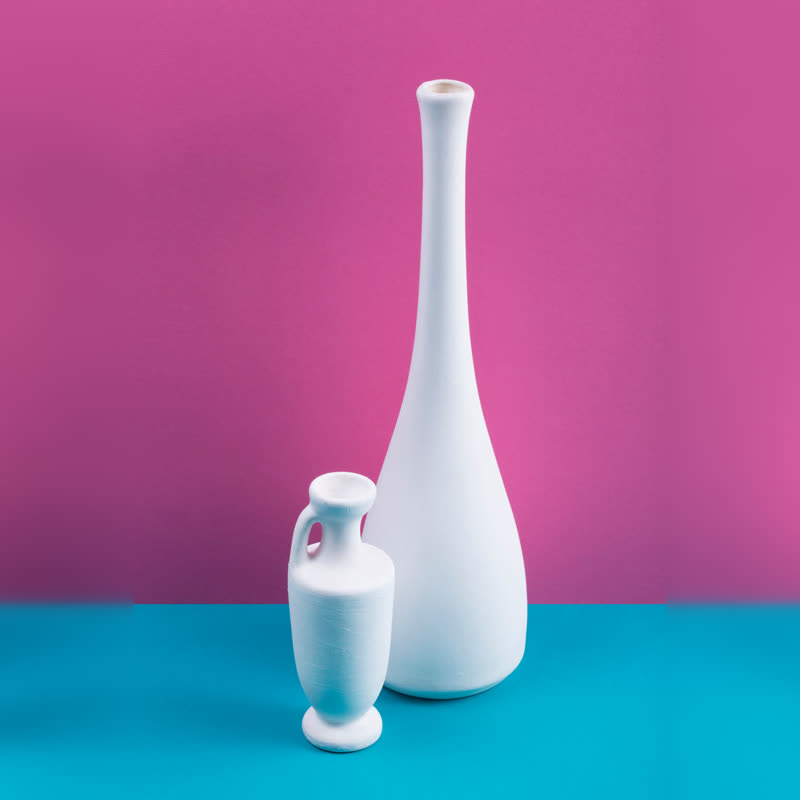

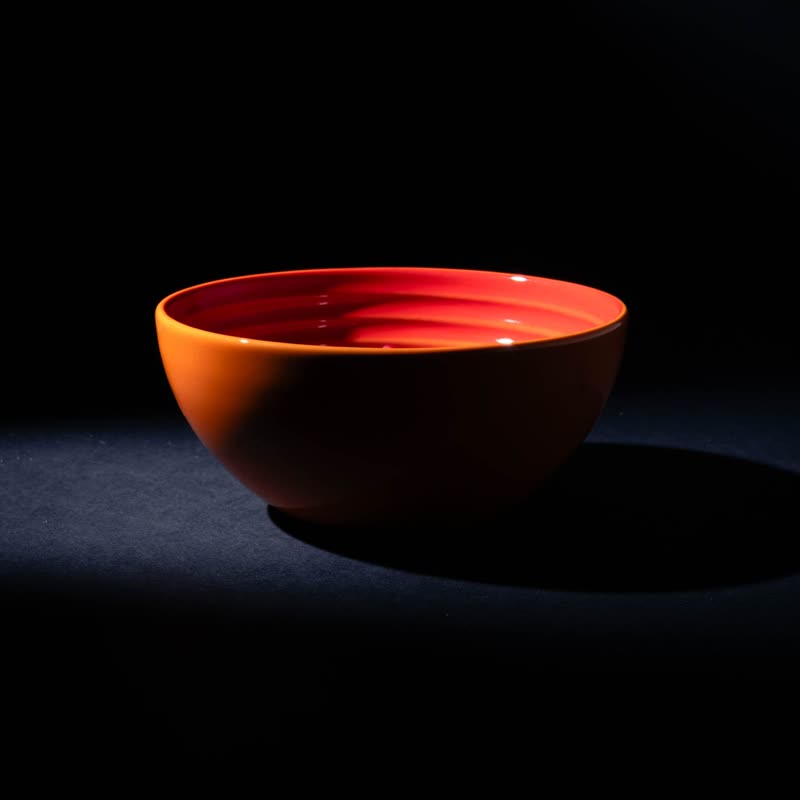
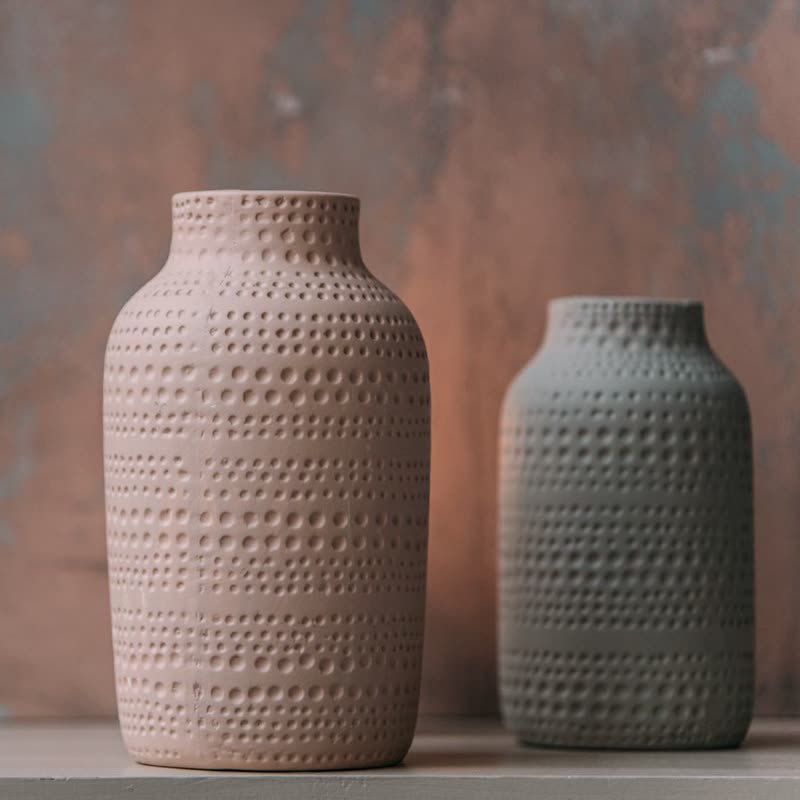
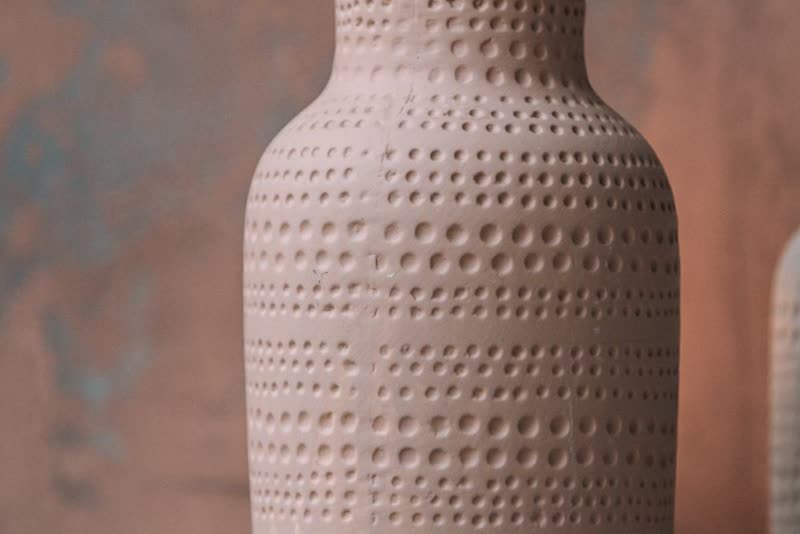
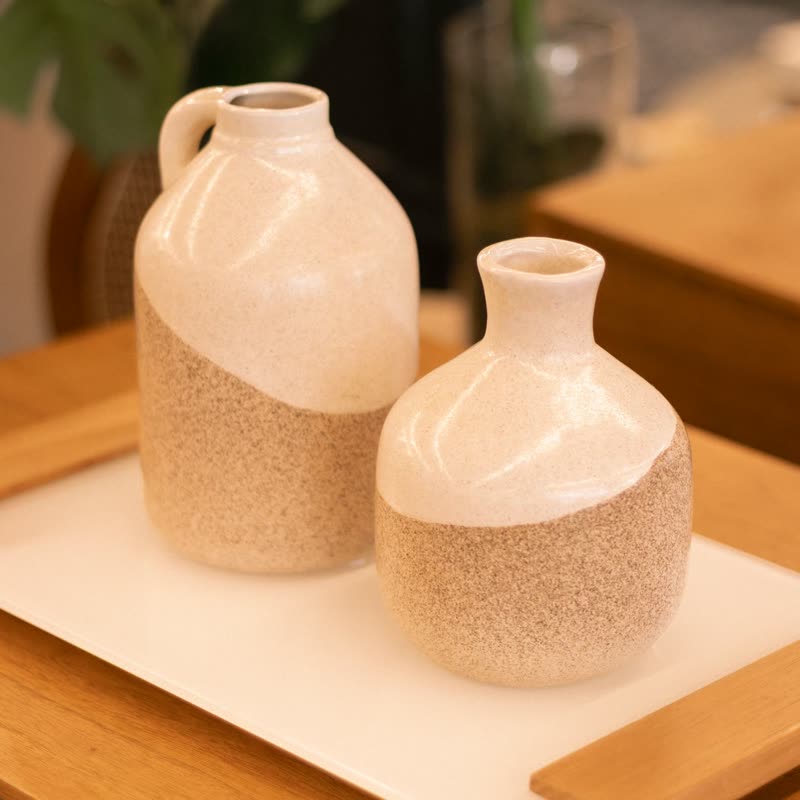
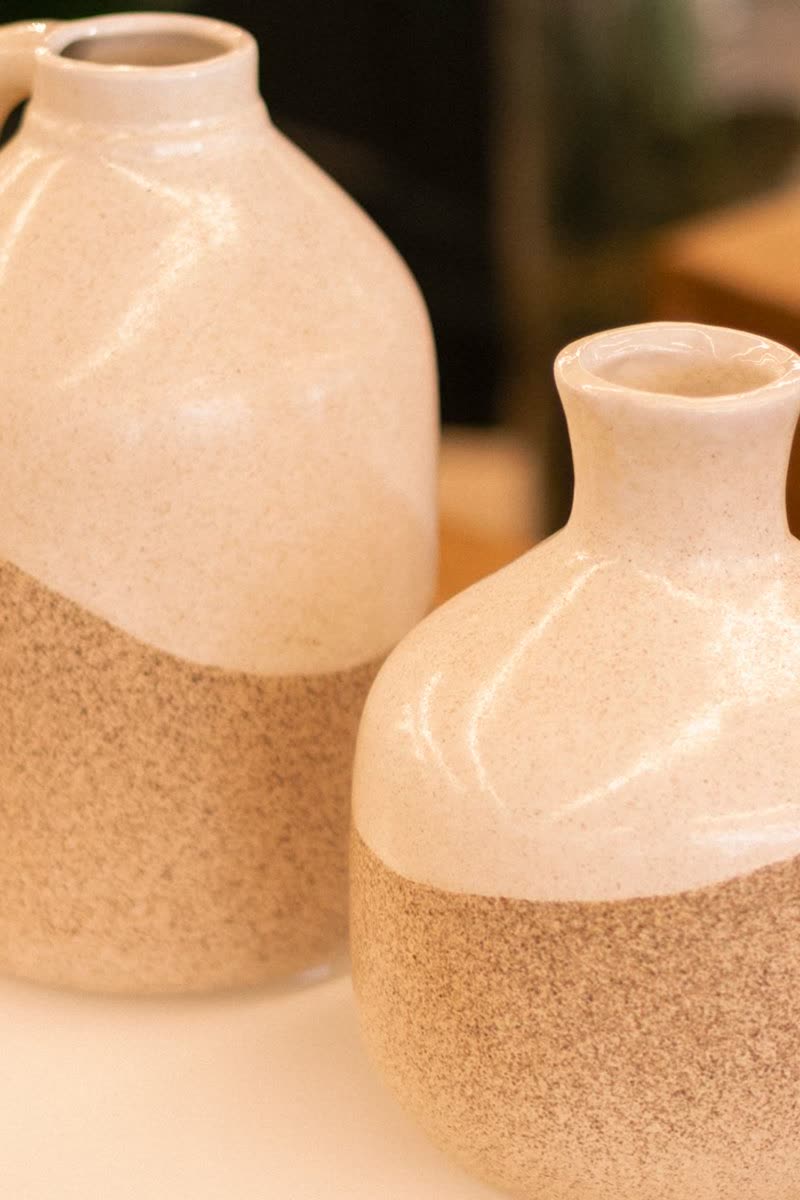
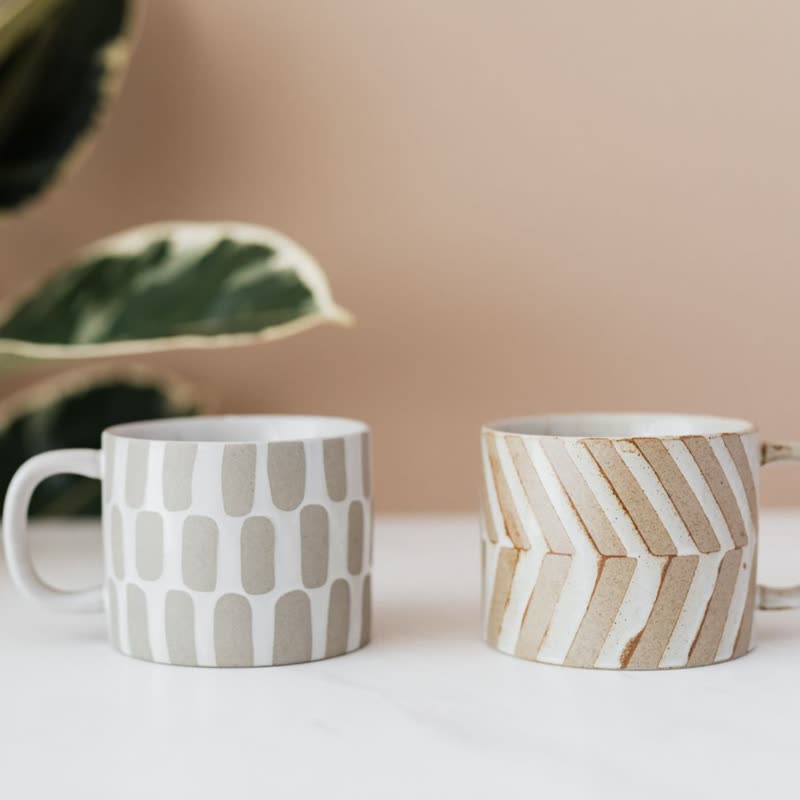

Layers without much effort
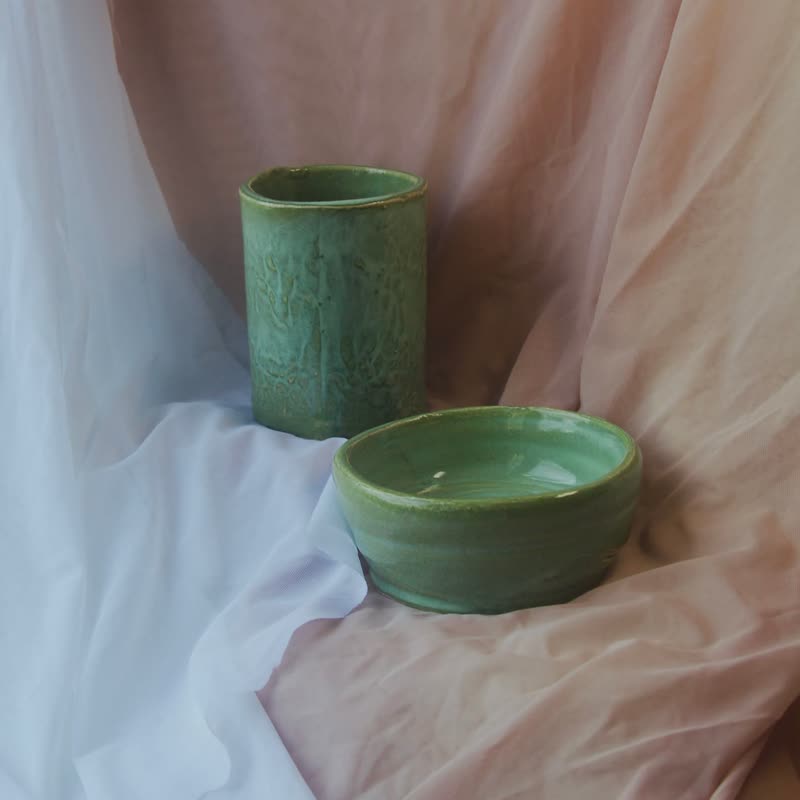
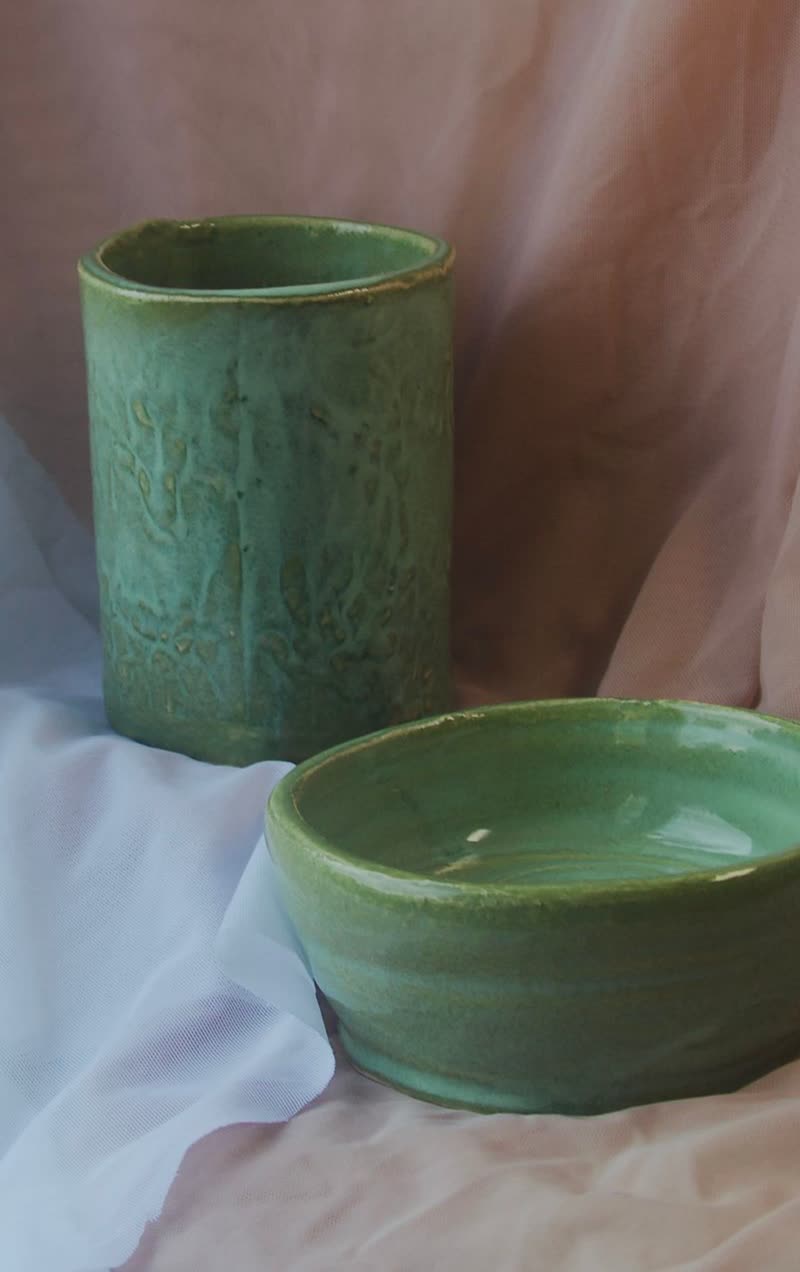
The overlap gives a row some depth, so it looks arranged rather than stacked, without any effect or canvas. It suits homeware, ceramics and small brands that want a bit of art direction. Because the panel covers only a corner of the picture, the product itself usually stays clear.
What to check
The panel covers a strip along the bottom of the picture, about the height of two and a half lines, from a little way in from the left to the edge. A product in the middle of a square photo keeps all of itself. Left free at the foot, the picture still shows a bare corner that holds the look together.
Colours
The panel is your theme's base colour with its text colour, and the soft shadow lifts it off pale photos and pale pages alike. On a white page the panel's edge beyond the picture nearly disappears into the background, with only the shadow left to show it, and that looks intended.
Questions
Does the panel move on a phone?
No. The lift needs a pointer. The panel stays where it is, with the button in reach.
Can the panel go on the left?
It follows the reading direction of your site, so on a right-to-left site it sits on the other side.
Sample products throughout. Pro starts at $19 a year.
Get the free plugin